Smart Home & Security Guides
Start-here explainers, the Matter question, a cross-brand compatibility matrix, and the running-cost math nobody else publishes.
Every page in this library answers one real question a smart-home shopper actually types — what a term means, which standard matters, or what a setup truly costs — and answers it in plain English, without assuming you already own a single connected device. The theme that runs through all of it is the one the rest of Circuit & Chime is built on: the sticker price is only the start, and the smartest buy is usually the one that keeps working without sending you a monthly bill.
You don’t need to read these in order. If you’re brand new, start at the top with the beginner path. If you already know what you want and just need to check whether two devices will talk to each other, jump to the compatibility matrix. And if the thing holding you back is the fear of an endless string of subscriptions, the cost guides at the bottom lay out the real numbers. Here’s how the library is organized.
Start here: the beginner path
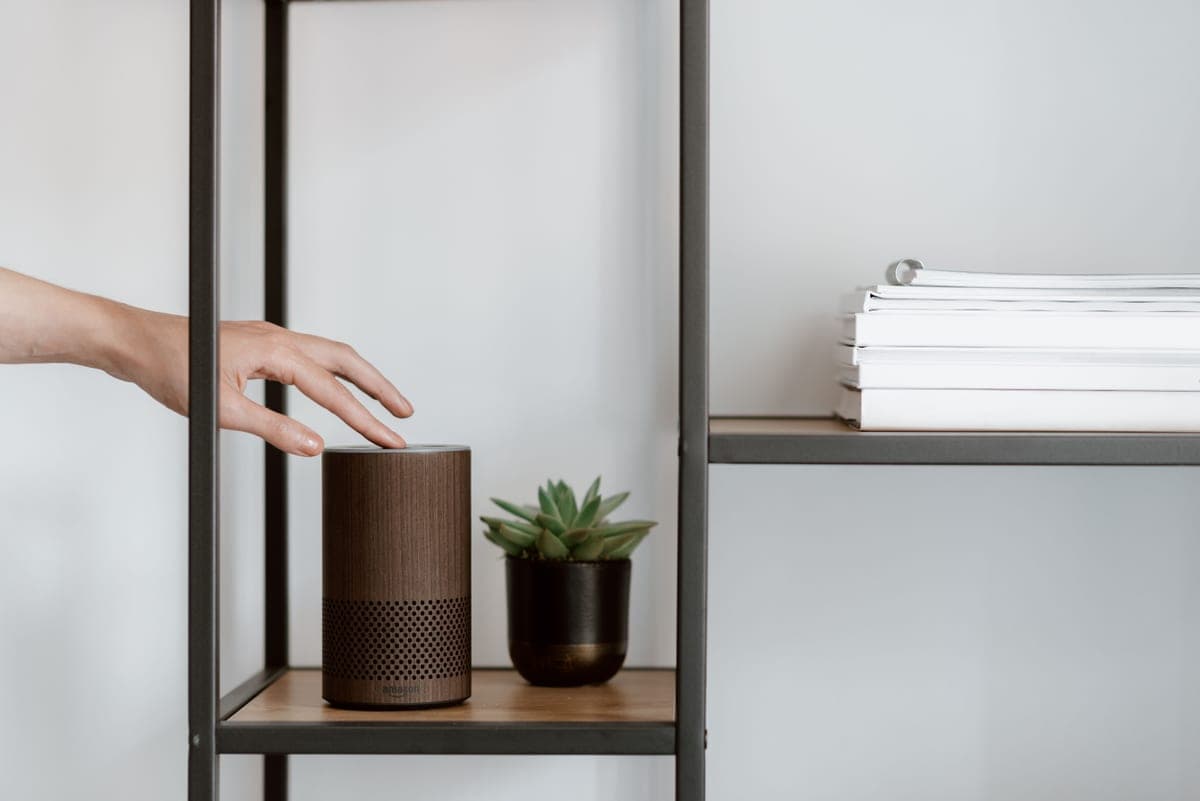
If a smart home still feels like a wall of brand names and acronyms, begin with the two ground-floor explainers. What is a smart home?defines the term from scratch — what actually makes a device “smart,” and the three things you need to get going. From there, smart home for beginners walks the ecosystem-first path: pick your voice assistant, add a hub only if you need one, then grow one device at a time so nothing you buy strands you later. Together they’re about twenty minutes of reading that will save you from the most common — and most expensive — beginner mistake: buying hardware that won’t work with whatever you buy next.
Matter, Thread, Zigbee and Z-Wave, untangled
Four words come up constantly and scare people off: Matter, Thread, Zigbee and Z-Wave. They’re not rival products you have to choose between — they’re the wireless languages your devices use to talk, and a hub that speaks several of them is what ties a mixed setup together. What is Matter (and do you need it)? is the one to read first: Matter is the newer industry standard meant to let gear from different brands work in the same app, and the guide explains what it fixes today, what it doesn’t yet, and whether it’s worth waiting for. Zigbee and Z-Wave are the older, low-power mesh protocols that still run a lot of reliable lighting and sensors; Thread is the low-power network Matter often rides on. You don’t need to memorize any of this — you just need to know which ones your hub supports before you buy.
The compatibility matrix
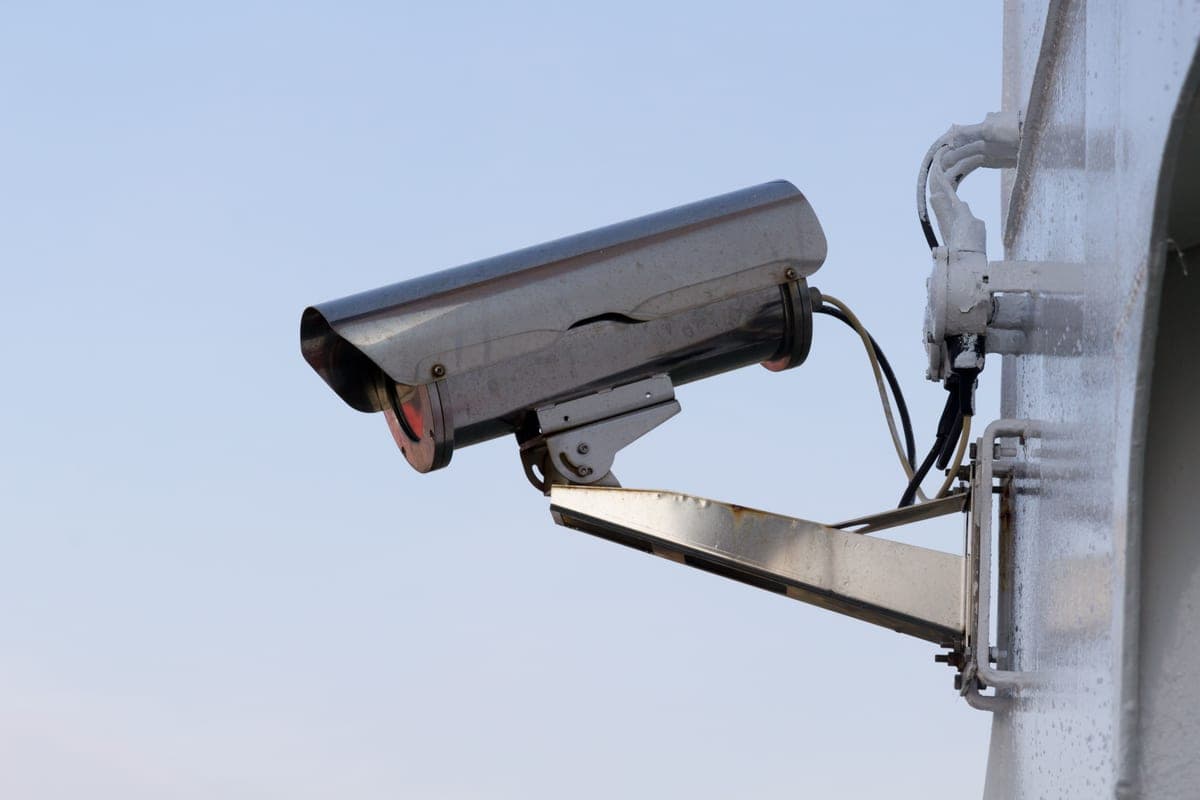
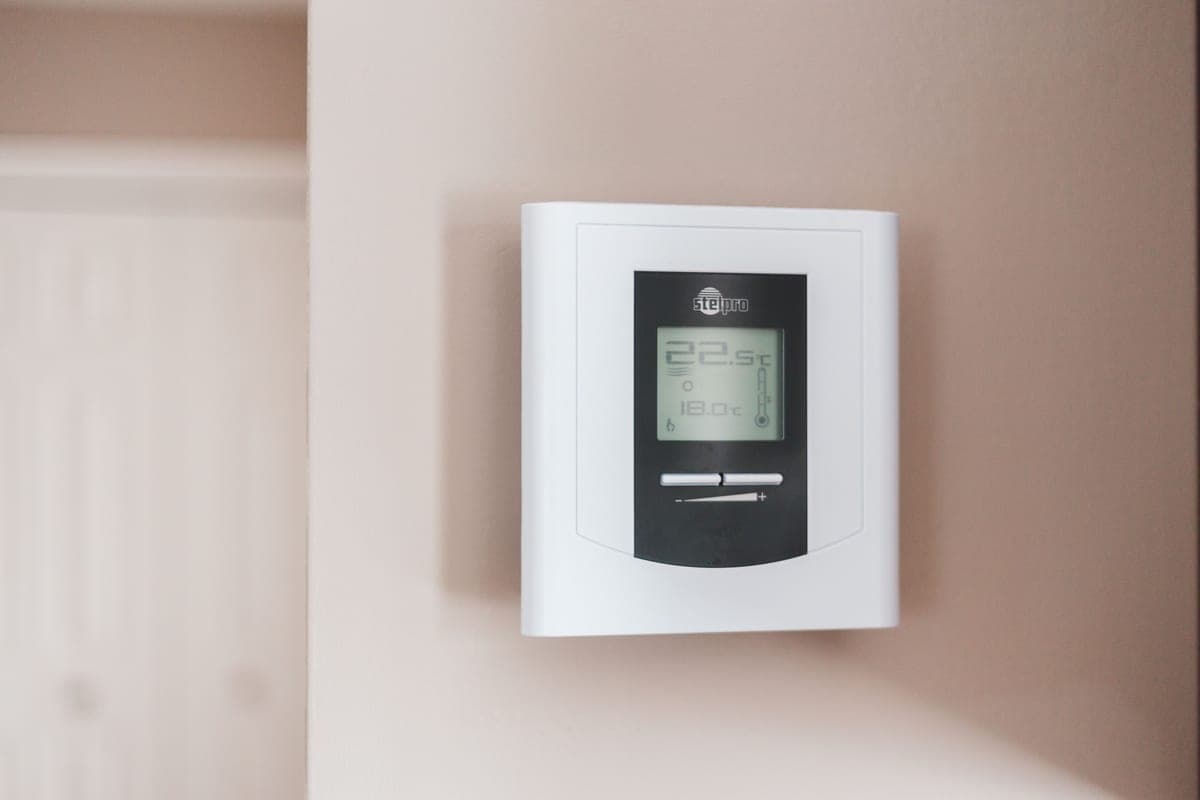
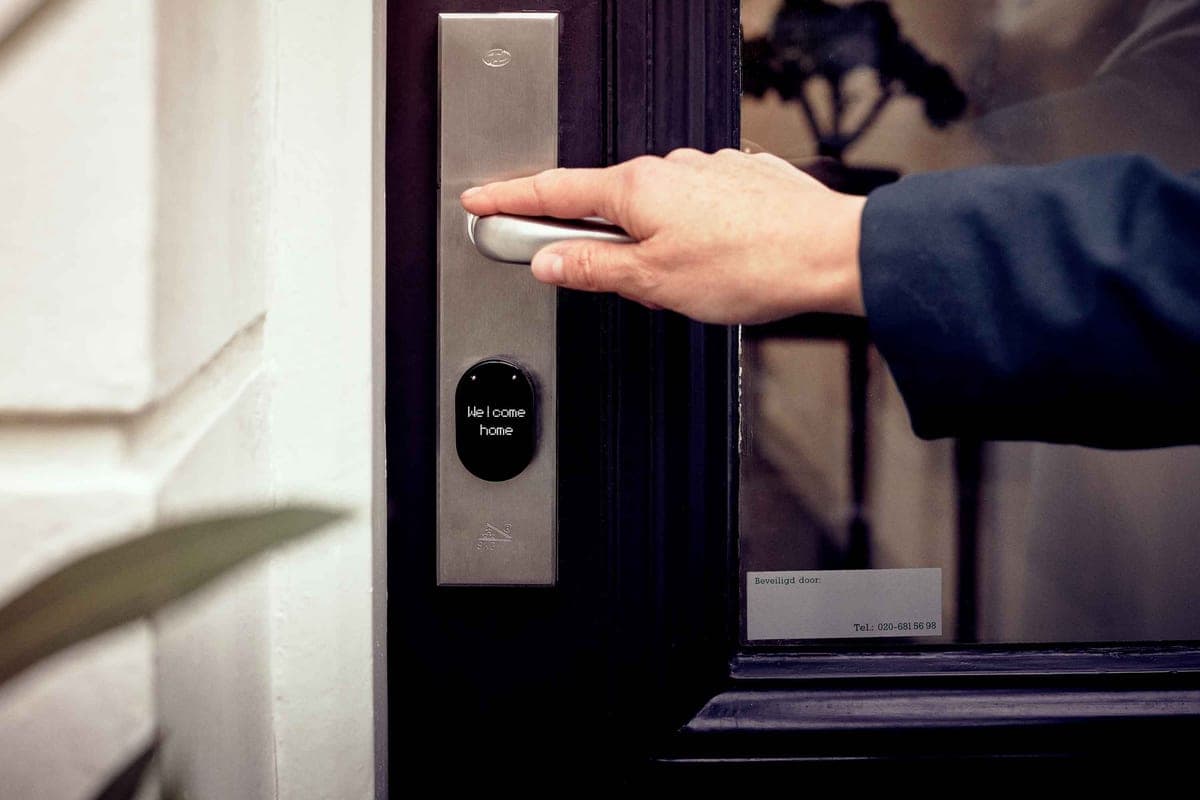
Once you’ve picked an ecosystem, the practical question becomes: will this specific camera, lock or thermostat actually work with it? The smart home compatibility matrix is a device-by-ecosystem grid that answers exactly that — which products play with Alexa, Google Home, Apple Home and Matter — so you can check a box before you spend, not after. It’s the fastest way to avoid the returns pile, and it pairs naturally with our ecosystem comparisonif you haven’t settled on an app yet.
What it costs to run
This is the part most review sites skip, and it’s the reason this one exists. Three guides add up the real cost of ownership. How much does a home security system cost? puts upfront hardware next to monthly monitoring over five years, comparing DIY self-monitoring against a professionally monitored plan. What does a smart home cost to run? tallies the cloud fees, subscriptions and electricity a connected home adds up to per year, and shows how to keep that near zero. And do security cameras work without a subscription? answers the single most-asked question in the whole niche — yes, with the specifics of what you keep for free and which cameras record locally. Read these before you buy anything, and you’ll spend once instead of every month.
Everything in Guides
Smart Home for Beginners: Where to Start
The ecosystem-first path: pick your assistant, add a hub if you need one, then build up one device at a time. No jargon.
What Is a Smart Home?
A plain-English definition, what makes a device 'smart', and the three things you actually need to get started.
What Is Matter (and Do You Need It)?
The interoperability standard, explained without the hype — what it fixes, what it doesn't yet, and whether to wait for it.
Smart Home Compatibility Matrix
A device-by-ecosystem grid — which cameras, locks, thermostats and hubs work with Alexa, Google, Apple Home and Matter.
How Much Does a Home Security System Cost?
Upfront hardware plus monthly monitoring, added up over five years — DIY self-monitored versus professionally monitored, in real dollars.
What Does a Smart Home Cost to Run?
The subscriptions, cloud fees and electricity a connected home actually adds up to per year — and how to keep it near zero.
Do Security Cameras Work Without a Subscription?
The short answer is yes — here's exactly what you keep, what you lose, and which cameras record locally for free.
Do Smart Thermostats Actually Save Money?
What the ENERGY STAR and DOE numbers really say, where the savings come from, and how long a smart thermostat takes to pay for itself.
What Is a C-Wire (and Do You Need One)?
The single most common smart-thermostat snag, explained — how to check for a C-wire, and what to do if your home doesn't have one.
Zigbee vs Z-Wave vs Thread: Which Matters?
The low-power radios behind your smart home, in plain English — what each is best at, how Matter ties them together, and what you actually need.
Do Smart Locks Work Without Wi-Fi or Power?
What still works when the internet drops or the batteries die — and how to pick a lock that fails safe instead of leaving you on the doorstep.
Smart Home Automation, Explained
The point where gadgets become a smart home — devices acting on their own, on a schedule or in response to each other. How it works and where to start.
Do You Need a Smart Home Hub?
When Wi-Fi devices are enough, when a hub genuinely earns its place, and how Matter and Thread are changing the answer.
Where to Place Home Security Cameras
Coverage beats camera count — where to put cameras for the biggest security payoff, the right height and angle, and the placements to avoid.
Are Smart Locks Safe?
The two real risks — physical build and digital security — how modern locks fail safe, and how to lock down the app so a smart lock is genuinely secure.
Do Video Doorbells Need a Subscription?
What you keep for free, what a plan unlocks, and which video doorbells record locally with no monthly fee — the running cost the box doesn't mention.
How to Set Up a Smart Home
Not what to buy — how to put it together. Seven steps in the order that avoids the wrong network, the wrong app, and devices named “Plug 3”.
Smart Home for Renters
What fits without drilling, what needs a landlord conversation, and what to skip because it stays with the building when you leave.
How to Secure Your Smart Home Devices
The seven things that actually protect a smart home, drawn from CISA, NIST and FTC consumer guidance — starting with the accounts, not the gadgets.
Do Security Cameras Need Wi-Fi?
Which cameras keep recording during an outage, which stop dead, and why the answer is decided at the checkout rather than during the outage.
Do You Need Wiring for a Video Doorbell?
Five minutes at your front door tells you which half of the doorbell market you are shopping in — plus what a transformer and chime kit actually do.
Do Smart Plugs Save Energy?
Sometimes, and by less than the marketing implies — but the appliances where a plug genuinely pays for itself are identifiable in advance.
Do Security Cameras Record All the Time?
Most do not — battery cameras record clips, and only certain plug-in cameras record continuously. How each type decides what to keep, and which cameras can run around the clock for free.
Wired vs Wireless Security Cameras
"Wireless" means two different things, and the one that matters is power. How each type behaves in a blackout, at night and on a bill — and which to buy where.
How Many Security Cameras Do I Need?
Count entry points, not rooms. A simple method for working out how many cameras a house actually needs, which spots come first, and why more is not always safer.
Can a Smart Home Work Without Internet?
What keeps working when the connection drops, what goes dark, and how to build a home that runs its lights, locks and automations locally.
Can a Security Camera See Through a Window?
By day, yes. At night, infrared bounces straight back off the glass and battery cameras stop detecting motion. What the makers say, and how to set up an indoor camera that watches outside.
How Long Do Smart Lock Batteries Last?
Schlage publishes up to six months on four AA cells; most brands publish nothing. What each maker states, what drains a lock, and what happens when the batteries die.
Can You Still Use a Key With a Smart Lock?
On a retrofit lock your current key never stops working. On a replacement deadbolt it depends on the version you order — here is which locks keep a keyhole.
Are Smart Locks Worth It?
Worth it if other people need access to your home; much less so if you live alone and never lend a key. The real running cost, the benefits that stick, and four reasons to skip one.
Are Video Doorbells Worth It?
The cheapest upgrade that changes something every day — and the one where the running cost ranges from nothing to a permanent monthly plan. Including the wiring facts.
How Long Do Security Cameras Keep Footage?
A card keeps footage until it fills and overwrites the oldest first; a plan keeps it for the window you pay for. What each camera we cover can actually hold.
Do Security Cameras Work Without Power?
A battery camera carries on, but your router does not — and a cloud-only camera with no internet records nothing. The combination that survives an outage.
Do Smart Locks Require a Subscription?
No — and unlike cameras, there is no asterisk. Every lock we cover works completely without a plan. Here is what the paid add-ons in this category actually are.
Do Smart Locks Work Without Power?
A smart lock runs on batteries, so a power cut does nothing to it. The failure to plan for is the batteries themselves — and the makers publish three different escapes.
Do Smart Locks Lock Automatically?
Most do, if you switch it on — and the setting that makes auto-lock safe rather than infuriating is one almost nobody configures: whether the lock knows the door is actually shut.
Do Security Cameras Record Audio?
Almost all of them do, by default, and the microphone is rarely something you can switch off. On a Ring camera the privacy toggle itself sits behind a paid plan.
Do Video Doorbells Get Stolen?
The question that matters is not whether yours gets taken but whether the footage leaves with it — which depends entirely on where your doorbell writes the video.
Are Smart Locks Easy to Install?
Three genuinely different jobs hide behind one question — keep your deadbolt, swap your deadbolt, or gut the whole door. Which one you are signing up for, with the makers' own fitting requirements.
Smart Lock vs a Regular Deadbolt
A smart lock is a deadbolt with a radio in it — so the security question is settled by the grade stamped on the box, not by the app. What the published grades actually say.
Do Video Doorbells Work Without Wi-Fi?
The button and the chime keep working. Everything you bought it for does not — unless the doorbell writes to a card, which is the one spec that decides how much you lose.
Are Security Cameras Waterproof?
No, and the makers do not claim they are. Every outdoor camera here publishes an IP code — and at least one of them publishes a warning that contradicts the naive reading of its own number.
Do Security Cameras Have Facial Recognition?
Almost none of them, and the feature most people mean is person detection — a different thing with a different failure mode. What each brand actually publishes, and where the line is.
Are Security Cameras Worth It?
Worth it for what, exactly. The honest version of this question separates deterrence from evidence from reassurance — and only one of the three is something a camera reliably delivers.