Smart Locks & Entry
Smart deadbolts and video doorbells compared on how they connect, whether they need a bridge, and which ones keep working when the Wi-Fi doesn't.
A smart lock does one small thing extremely well: it lets you into your own house without digging for keys, and lets someone else in without handing them a copy. But the shelf is full of them, and the right one for you comes down to two questions the box tends to bury. First, does it replace your whole deadbolt or just clip onto the one you already have? And second, how does it talk to your phone — over your Wi-Fi, through a separate bridge, or on one of the newer standards like Matter and Thread? Get those two right and the rest is detail. Our best smart locks roundup ranks the picks; this hub explains the choices behind them.
The other half of this hub is the video doorbell, which is really a security camera that happens to sit by your front door — so the same running-cost question applies. Some doorbells store nothing without a monthly plan; others record locally for free. We keep locks and doorbells together because most people shopping for one end up wanting the other, and the buying logic overlaps.
Retrofit or full replacement?
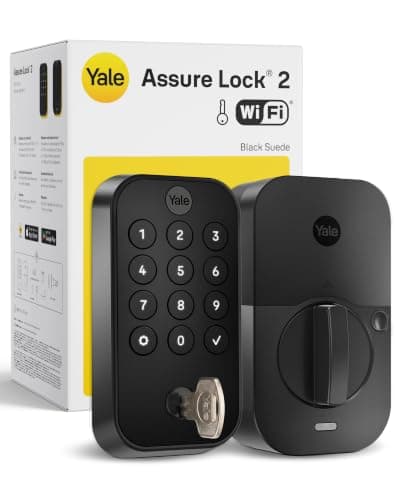
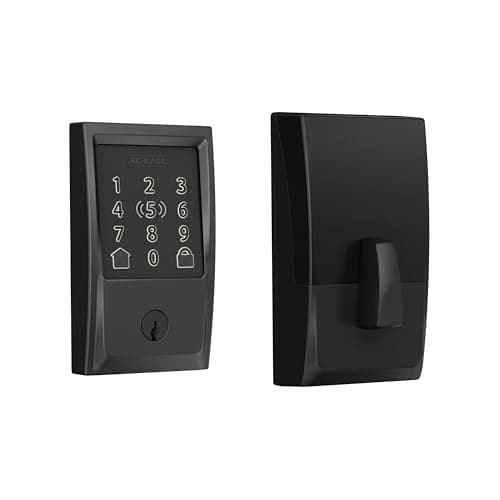
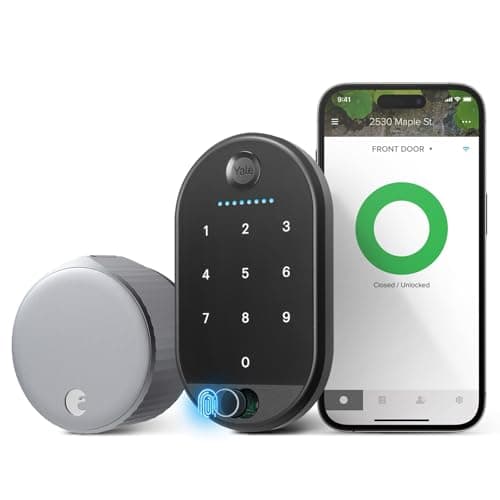
There are two philosophies of smart lock, and picking a side narrows the field fast. A retrofit lock, like the August Wi-Fi Smart Lock, mounts on the insideof your existing deadbolt. The exterior of your door looks untouched, your old keys still work, and there is nothing permanent to undo — which is why it’s the standard pick for renters and for anyone who doesn’t want to change their hardware. A full replacementlock, like the Yale Assure Lock 2 or the Schlage Encode Plus, swaps out the entire deadbolt for a new one with a built-in keypad and, usually, a more finished look. You get more features and a tidier install, at the cost of a slightly bigger job and new keys. If you’re torn between the two camps, our August vs Yale comparison walks through exactly who each one suits.
How a smart lock connects
“Smart” means the lock reaches your phone somehow, and there are three common ways. The simplest is built-in Wi-Fi: the lock joins your home network directly, so you can lock and unlock from anywhere with no extra box. Some older or lower-power locks instead need a bridge— a small plug-in adapter that relays commands between the lock and the internet — which is one more thing to buy and power. And a growing number support Matter and Thread, the newer interoperability standards designed so a lock works across Alexa, Google Home and Apple Home instead of being trapped in one app. Thread is a low-power mesh that helps battery life; Matter is the common language on top. Yale’s swappable radio module is a neat middle path here — you can move the same lock to Matter or Z-Wave later instead of rebuying it. If that alphabet soup is new to you, start with our plain-English Matter guide, then check the compatibility matrix to see which locks play with which ecosystem.
Keypads, fingerprints and Home Key
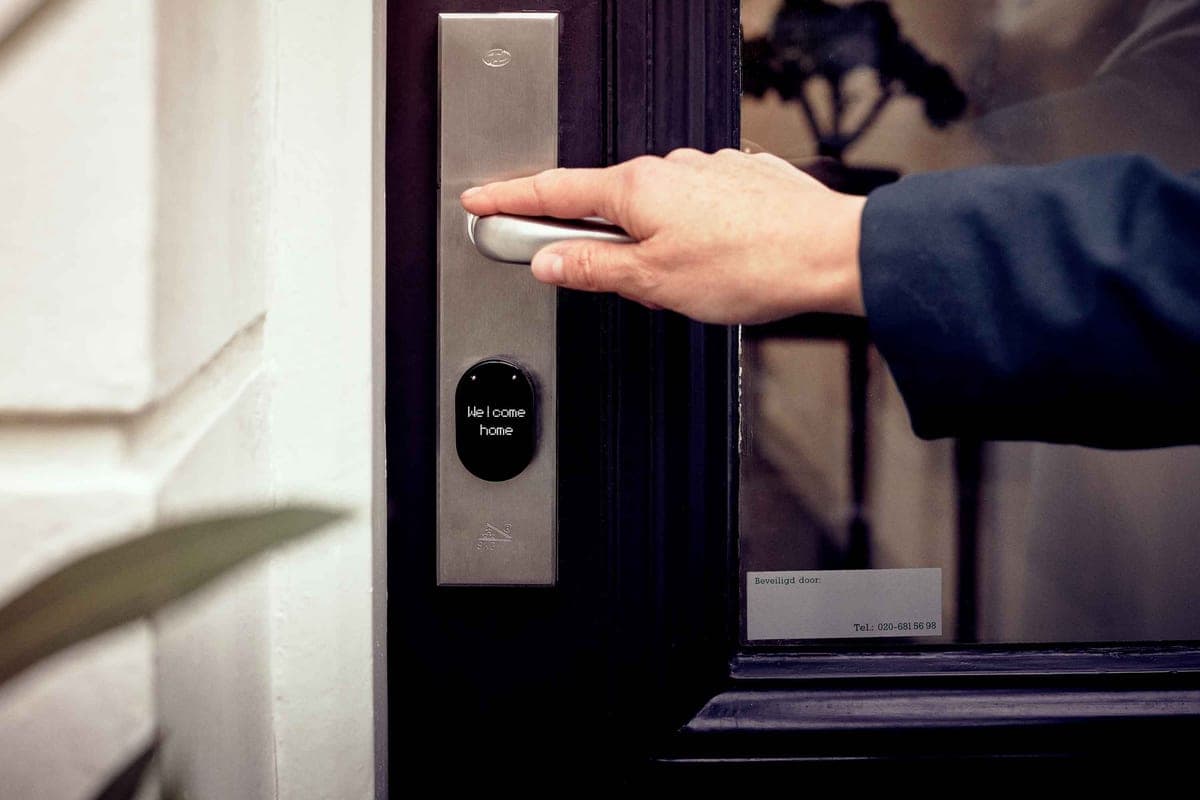
The best part of a smart lock is often the part that has nothing to do with your phone: getting in without one. A keypadlets you or a guest punch in a code — handy for a dog walker or a cleaner you can give a temporary PIN. A fingerprint reader, like the one on the Wyze Lock Bolt, is faster still and needs nothing in your hand. And Apple Home Key, supported by locks such as the Schlage Encode Plus and the Level Lock+, lets you tap an iPhone or Apple Watch to the lock the same way you tap to pay. Pick the entry method your household will actually use every day; the app is the backup, not the main event.
What happens when the Wi-Fi drops
This is the question that separates a gimmick from a lock you can live with. A good smart lock degrades gracefully: if your internet or router goes down, the keypad code and the Bluetooth connection from a phone standing at the door still work, because those don’t depend on the cloud. The lock runs on its own batteries, so a power cut doesn’t lock you out either, and many designs keep a physical key or another local backup. What you lose during an outage is the remotestuff — unlocking from work, or getting a notification — not the ability to open your own front door. Battery life is the practical footnote: locks that keep Wi-Fi switched on all the time drain cells faster, so a low-battery reminder in the app is something to actually act on.
Video doorbells: the camera rules apply
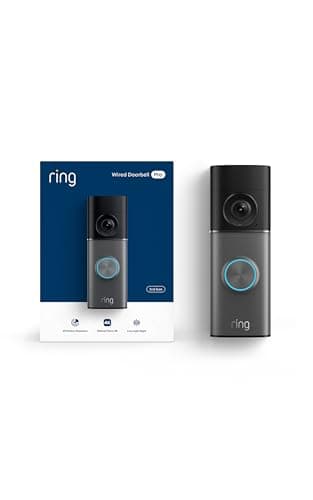
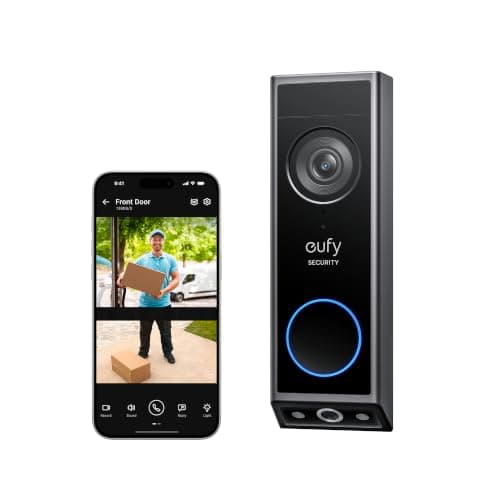
A video doorbell is a camera first and a doorbell second, so it inherits the two costs that decide every camera purchase: where the footage is stored, and whether you pay every month to keep it. Ring’s doorbells, for instance, save recordings only in the cloud behind a Ring Protect plan; eufy’s record locally with no monthly fee; and Wyze sits in between with free and paid tiers. The hardware price on the box is only half the story — a cheap doorbell that needs a subscription can cost more over a few years than a pricier one that records for free. Our best video doorbells roundupleads with exactly that storage-and-subscription question, then the picks — each with a live price and a one-click buy link.
Everything in Smart Locks
Best Smart Locks
Wi-Fi and Matter deadbolts ranked on connectivity, keypad options, and how gracefully they fail when the network drops.
Our top pick
Yale Assure Lock 2 (Wi-Fi keypad)
Best Video Doorbells
Wired and battery video doorbells compared on storage, subscription and package detection — including the no-fee options.
Our top pick
Ring Wired Doorbell Pro (4K)
$249.99 · View on AmazonPrice as of October 20, 2026. #ad How we’re funded
August vs Yale Smart Locks
Retrofit-your-existing-deadbolt or replace-the-whole-lock? The two lock philosophies compared.
Best Keypad & Fingerprint Smart Locks
Get in without your phone or a key. Keypad and fingerprint deadbolts ranked on how you unlock, how they fail safe, and which ecosystems they join.
Our top pick
Yale Assure Lock 2 (Wi-Fi keypad)
Yale vs Schlage: Which Smart Lock Is Better?
Two of the most trusted deadbolt names compared on connectivity, Apple Home Key, build quality and which one suits your door.
Best Apple Home (HomeKit) Smart Locks
Smart deadbolts that genuinely work with Apple Home — including the Home Key locks you unlock with a tap of your iPhone or Apple Watch.
Our top pick
Schlage Encode Plus (Wi-Fi + Home Key)
August vs Level
Two retrofit locks that keep your existing keys — one bolts a visible module inside the door, the other hides everything within the deadbolt.
Best Smart Locks for Airbnb & Rental Hosts
The locks that hand each guest a code that expires at checkout, ranked on Airbnb integration, remote code management, battery life and how they survive a turnover day.
Our top pick
Yale Assure Lock 2 (Wi-Fi keypad)
Best Smart Locks That Work With Alexa
Every lock claims Alexa support; what you get depends on whether Wi-Fi is in the lock or in an accessory. The four we cover that work with Alexa, and the one that does not.
Our top pick
Yale Assure Lock 2 (Wi-Fi keypad)
Best Video Doorbells Without a Subscription
Four doorbells whose makers put the no-fee recording in writing — where the footage lands, what detection is free, and which ones only record 24/7 once they are wired.
Our top pick
eufy Video Doorbell E340 (dual camera)
Best Smart Locks for Google Home
Three locks whose makers document Google Home support in writing — plus the part nobody mentions until you try it: Google asks for a PIN before it will unlock your front door.
Our top pick
Yale Assure Lock 2 (Wi-Fi keypad)
Best Smart Locks for Home Assistant
Ranked on what Home Assistant itself documents: which locks it reaches over Bluetooth on your own network, which only go through a cloud, and which need a bridge you have to buy separately.
Our top pick
August Wi-Fi Smart Lock (4th gen) + Keypad Touch
$129.00 · View on AmazonPrice as of October 20, 2026. #ad How we’re funded
Level Lock+ vs Schlage Encode Plus
Two premium Apple Home Key locks at opposite extremes: one hides every component inside your door, the other is the most heavily built deadbolt we cover. Only one of them has Wi-Fi.
Best Video Doorbells for Home Assistant
Ranked on what Home Assistant itself documents: which doorbells push events to your own server locally, which need an ONVIF workaround, and which will not stream to it at all.
Our top pick
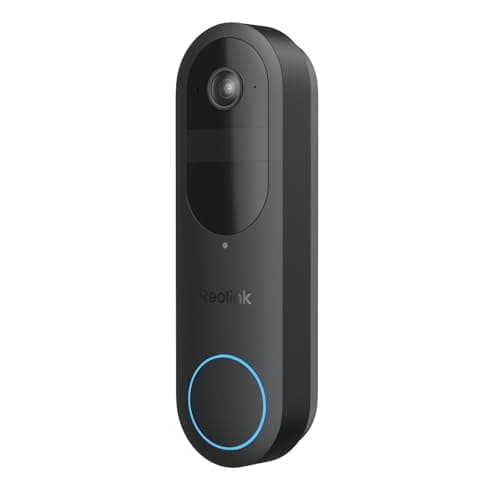
Reolink Battery Video Doorbell (2nd Gen)
$149.99 · View on AmazonPrice as of October 20, 2026. #ad How we’re funded